
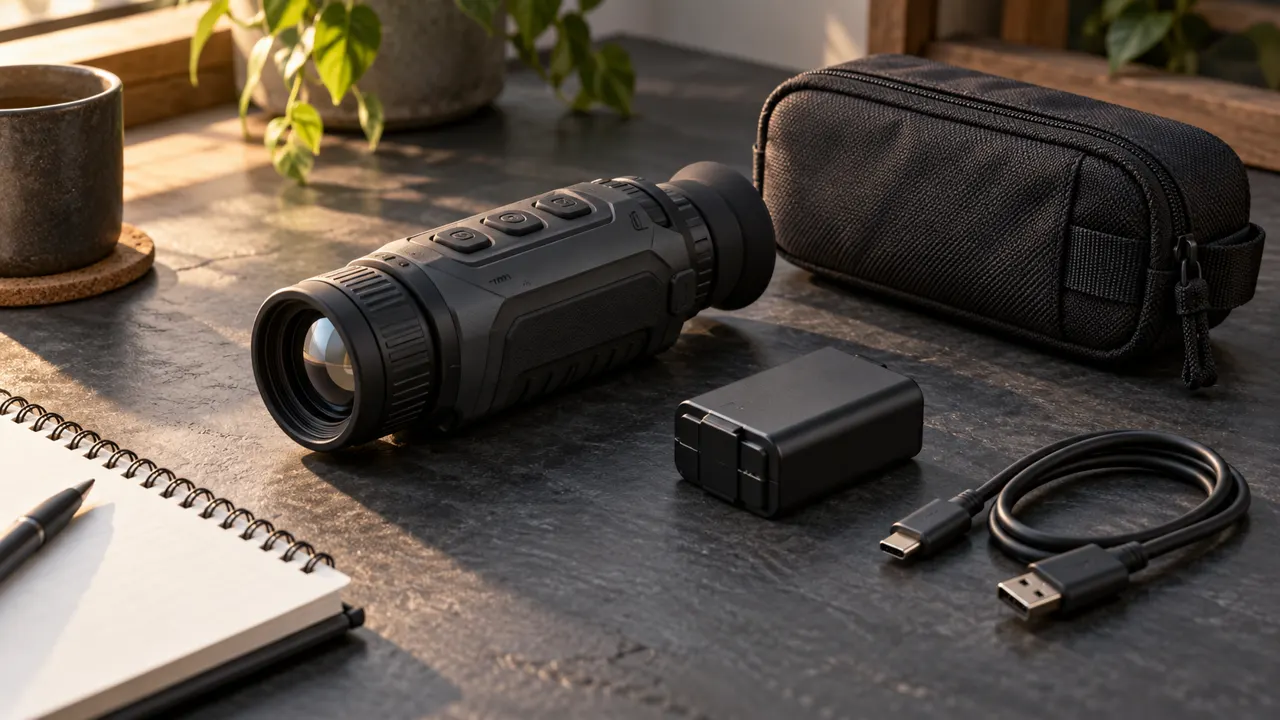
Two thermal monoculars can look similar in a shop and represent very different purchases. One may spend more of its cost on captured image detail, another on recording, a compact housing, or a removable battery. The better value depends on which of those differences removes a real limitation in your observation, rather than which product has the longest specification list.
This guide explains how to compare capability with complete ownership cost. It does not assign fixed prices or declare that every expensive feature is worthwhile. Use it alongside our budget thermal monocular buying guide to decide which improvements deserve your money and which can stay outside your shortlist.
Define the problem an upgrade must solve
Start with the limitation you want to avoid. Perhaps you cannot distinguish enough detail at your normal observation point, your battery expires too early, or your current viewer is inconvenient to carry. Each problem points toward a different kind of purchase. Buying more recording features will not resolve an unsuitable viewing angle.
Describe a successful outcome in ordinary language. “I can examine the far boundary comfortably” is more useful than “I need professional performance.” The first can guide a demonstration; the second invites a seller to substitute a category label for evidence.
If this is your first thermal purchase, identify the task you will perform most often and one secondary task. Give the primary task greater weight. A product that does your routine work well can offer better value than one optimized for an impressive capability you rarely use.
Know which resolution number captures the scene
Thermal detector resolution describes the array that captures thermal information. Display resolution describes the screen used to present the resulting image. Both can affect the experience, but they are not interchangeable. A detailed screen does not convert a lower-resolution detector into a higher-resolution one.
More detector pixels can be useful when the optical system places relevant subject detail across them. That does not mean doubling a number in the specification doubles every practical capability. Compare the detector with the lens, field of view, processing, and intended task rather than pricing pixels in isolation.
Pulsar’s explanation of thermal sensor design discusses why the detector is part of a complete imaging system. For buying purposes, record the detector and display specifications in separate columns. That simple separation makes misleading comparisons much easier to spot.
Pay for a useful lens and viewing angle
A lens that suits one scene may be inconvenient in another. A narrower view may serve a known distant observation area, while a wider one can make searching nearby ground more comfortable. The largest lens diameter or the highest advertised magnification should not become an automatic quality ranking.
Read focal length and field of view together with the sensor format. If two products use different detectors, comparing focal length alone does not establish their relative coverage. Look for a stated angular field or coverage width at the same distance, then ask how that view fits your regular observation point.
Our viewing-distance selection guide provides a practical method for that decision. Here, the value question is narrower: does the extra cost buy a view that helps you accomplish your task, or a specification that looks impressive without changing the outcome?
Read thermal sensitivity without treating it as a score for everything
NETD is a thermal sensitivity specification, usually expressed in millikelvin. Lower values indicate the ability to distinguish smaller temperature differences under the relevant measurement conditions. It is a different characteristic from spatial resolution: sensitivity and the number of detector pixels do not describe the same thing.
FLIR’s thermal sensitivity explanation is useful background. Also check whether a claim describes the detector or the complete system and whether measurement conditions are supplied. Numbers presented on different bases should not be treated as a precise ranking.
Lens characteristics matter in that comparison. FLIR’s f-number discussion explains why optics affect system sensitivity. The practical lesson is to request a complete specification and relevant demonstrations, rather than paying a premium solely because one isolated sensitivity number is smaller.
Decide whether recording earns its place in the budget
Recording has clear value when you review wildlife sightings, maintain observation notes, or share a sequence with another observer. It has less value if you only need a brief live check and never transfer files. Be honest about which habit describes you.
Compare the whole recording workflow. Check internal capacity, supported transfer methods, file usability, and the actual app for the model. A generous storage figure does not solve an awkward process that prevents you from retrieving recordings when needed. Conversely, an uncomplicated workflow can be worthwhile even if it is not the largest capacity advertised.
Recording preserves what the device captured; it does not add missing detail. If clearer identification is your reason for upgrading, do not let connectivity features distract from the imaging comparison. You may still want both, but each should justify its own part of the price.
Put batteries and charging into the purchase calculation
An included battery is not the end of the power budget. Your use may require a compatible spare, separate charger, or supported external supply. Determine the actual arrangement before comparing two headline prices. Avoid assuming that similarly shaped packs or matching connectors establish compatibility.
A removable battery can make extended sessions easier to plan, while an internal pack may suit a simpler routine. Neither is automatically the cheaper ownership choice. Ask what replacement support exists and how the normal charging procedure fits your use, travel, and storage.
Compare runtime conditions as well as the quoted hours. Temperature, recording, and wireless operation can change the result, as manufacturer manuals commonly specify. Build a reasonable operating margin for your own sessions. A claimed duration is most useful when you know the configuration and conditions behind it.
Give handling a measurable role in value
A viewer that is awkward to focus or uncomfortable to raise repeatedly may spend more time in its case. That reduces practical value even if its laboratory specifications are strong. Include ready-to-use weight, eyepiece comfort, focus access, and control layout in a demonstration.
Try the routine you expect to repeat: retrieve the device, obtain a comfortable view, adjust a common setting, and put it away. Use your normal glasses or gloves where appropriate. Notice any step that repeatedly interrupts observation. This turns a vague impression of ergonomics into specific buying evidence.
Do not infer weather protection from a rugged-looking housing. Read the exact rating and the manufacturer’s limitations. Consider whether your actual environment calls for a particular level of protection rather than paying for a general claim of toughness with no clear specification.
Compare complete offers in one worksheet
Use one row per exact configuration. Include the unit, required battery and charging items, essential carrying protection, necessary adapters, and confirmed service or replacement costs. Put optional accessories in a separate column so they do not inflate one offer while being omitted from another.
Keep the same comparison period across offers. If you expect to own the device for several seasons, ask which foreseeable costs might arise during that period. Record confirmed quotations and mark uncertain costs clearly. Do not manufacture a precise ownership total from unknown repair prices or assumed future resale values.
Then compare the complete offer with the capability you require. The cheapest row is not automatically the winner, but neither is the one with the most extras. A fair worksheet makes it possible to explain what a price difference buys and whether you will use it.
Examine support without assuming a brand name guarantees it
Ask who provides support for the actual seller, unit, and purchase region. Confirm the relevant warranty terms, how a return is arranged, and what documentation you need to retain. A familiar logo does not answer those transaction-specific questions.
If buying older stock or used equipment, check battery and accessory availability before relying on a low purchase price. A missing essential can turn a usable specification into an impractical offer. Our used thermal monocular inspection checklist covers the condition checks in detail.
Avoid paying for reassurance expressed only as a slogan. Written terms, a clear service route, and a demonstrated working unit provide a firmer basis for comparison. Where an important answer remains unknown, keep that uncertainty visible rather than giving every offer the same assumed support value.
Watch for expensive distractions
Maximum digital zoom, a colorful screen, and a very long detection figure can dominate a product page without describing your routine observation. Ask which feature changes an actual decision you make. If it does not improve the task, ease the workflow, or reduce a relevant ownership problem, it may be optional for you.
Be equally cautious about invented minimum requirements. A buyer making simple nearby checks does not automatically need the specification of a specialist long-distance setup. Buying capability you cannot use can be as poor a match as buying too little detail for the intended scene.
The strongest comparison is one you can explain without marketing language: this option shows the relevant detail, covers the needed area, is comfortable to operate, and has a complete price and support arrangement you accept. That explanation remains useful when product names or promotions change.
Make a value decision you can defend
Set a spending ceiling, identify the capabilities that are essential, and compare complete offers that meet them. If a more expensive model solves a recurring limitation, describe that improvement explicitly. If the difference mainly buys unused features, keep the saving.
Return to our budget buying guide with that framework. Value comes from the relationship between useful capability, daily convenience, complete cost, and dependable support. It is a decision about how the equipment serves your observation, rather than a trophy for the largest number on a specification sheet.