
A used thermal monocular can offer worthwhile savings, but the advertised price is only the beginning of the assessment. A clean housing does not prove that its battery is healthy, its objective is undamaged, or its controls work reliably. The most useful approach is to inspect the actual unit systematically and decide which uncertainties you are willing to accept before paying.
This checklist is for evaluating a purchase, not servicing an optical instrument. Leave internal repairs and sealed components to an appropriate service provider. For the models discussed on this site, our budget thermal monocular buying guide provides a starting comparison. Use the steps below to assess the condition and terms of a particular offer.
Establish exactly what is being sold
Ask for the model name, model number, and photographs of the unit’s identification label. A family name may cover several detectors, lenses, and generations. A seller’s receipt or original box can help, but the label on the actual device should match the description you are evaluating.
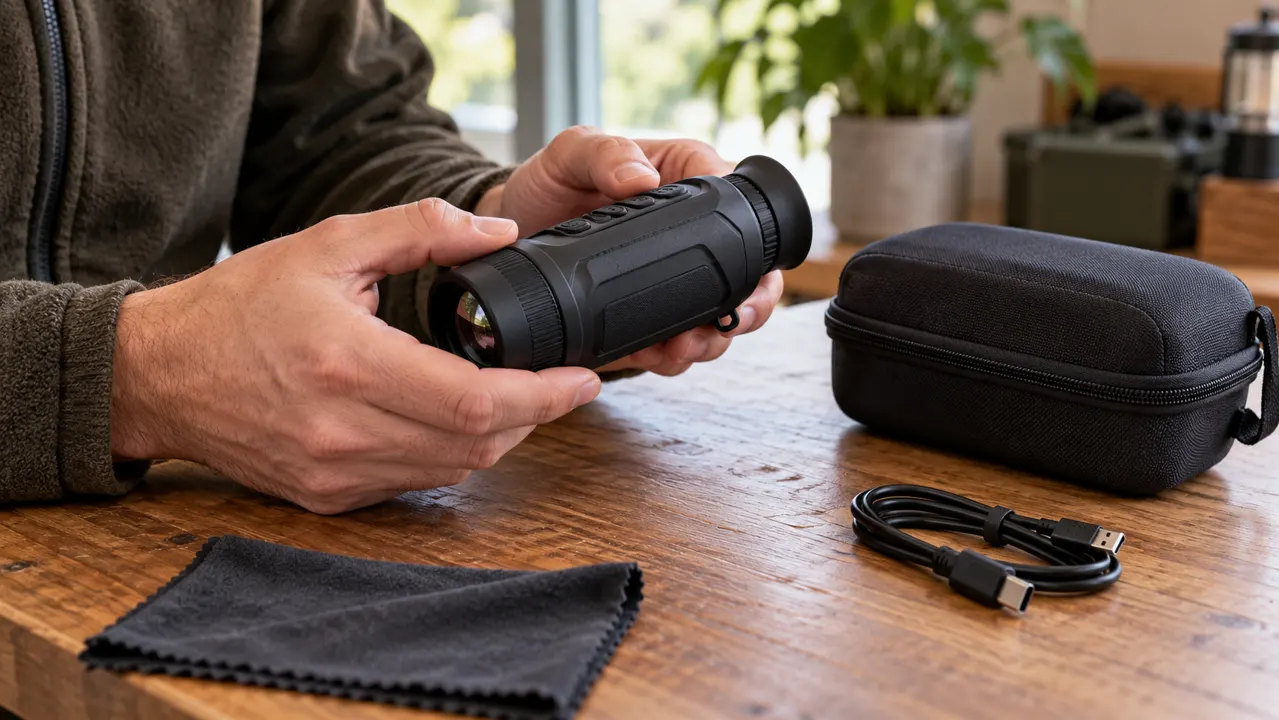
Request a photograph showing the equipment together: monocular, battery, charger, cable, case, and any adapters included in the price. Accessories borrowed for a demonstration should not be mistaken for items supplied with the sale. Record any missing essentials before comparing the offer with a complete package elsewhere.
Ask whether the unit has been repaired, modified, exposed to water, or stored unused for a long period. An honest answer does not automatically rule out the purchase. It helps you identify the right follow-up questions and whether service documentation is available. An inconsistent model description is a reason to pause until the identity is resolved.
Read the correct manual before inspecting the unit
Download instructions for that exact model from the manufacturer where possible. Locate the sections on power, focusing, calibration, maintenance, and troubleshooting. This gives you a reference for normal behavior and prevents you from interpreting an unfamiliar function as a defect.
For example, the Pulsar Axion 2 XQ35 manual includes calibration, pixel correction, inspection, and storage instructions. Those functions and procedures belong to that model; another manufacturer may implement them differently. Do not apply a repair sequence copied from a superficially similar viewer.
Make a short list of items to check rather than trying every menu at random. If a feature is essential to the purchase, identify how you will confirm it. Recording, file transfer, external power, and wireless connection deserve explicit checks when they are part of the seller’s claimed specification.
Inspect the exterior without trying to improve it
Look over the housing, eyecup, lens cap, strap attachment, covers, and any battery door or locking mechanism. Check for cracks, missing pieces, distorted fittings, or evidence that a cover does not close normally. Photograph visible damage before handling it further.
Examine accessible ports and contacts in good light. Corrosion, a loose connector, or damaged seals raises questions about reliability and past exposure. Do not probe a port with a metal object or force a stiff fitting to see whether it can be freed. The inspection should establish condition without creating another problem.
Treat cosmetic wear and functional damage differently. Light marks on a housing may be acceptable at the right price. A damaged lens surface, insecure battery latch, or intermittent power connection affects a much more important part of the purchase. Ask about service availability before assuming that any defect will be cheap to correct.
Check the optical surfaces carefully
Inspect the objective and eyepiece from several angles under ordinary diffuse light. Look for obvious scratches, chipped edges, coating damage, haze, and contamination. Avoid pointing the device at the sun or an intense heat source during the check. Follow the manufacturer’s optical-handling limits.
Do not rub a dirty objective with clothing or apply an arbitrary household cleaner. Thermal optics can have specialized surfaces and coatings. If cleaning is necessary to complete an assessment, ask the seller to follow the prescribed procedure or obtain advice from the service provider. An uncertain mark should not be tested by increasingly aggressive wiping.
Check whether caps and protective parts operate properly. A missing cap may be simple to replace, but include the correct replacement in the total price. If an optical defect is visible in both inspection and the image, get a service assessment rather than accepting an unsupported promise that software will remove it.
Confirm display adjustment and objective focus separately
Power the viewer using its approved supply. Set the eyepiece so text or menu symbols appear clear, then inspect a suitable scene. If the model has adjustable objective focus, check it on objects at more than one appropriate distance. A clear menu and an unclear scene are different observations.
Notice whether the controls move normally and whether focus holds after adjustment. Avoid forcing an end stop. Check the image with your usual glasses if you wear them, since an acceptable device may still be a poor fit for your eyes or viewing position.
Use a familiar outdoor scene when practical, rather than only an indoor wall. The aim is to check normal operation and obvious problems, not to certify the original detection specification. If you cannot obtain a comfortable view, distinguish an adjustment issue from an unresolved fault before agreeing to buy.
Distinguish calibration behavior from persistent image problems
Some thermal devices briefly pause or make a sound during an automatic calibration cycle. Consult the manual before treating that behavior as a failure. Conversely, repeated freezing, unexpected shutdowns, or an image that does not recover should not be dismissed simply because thermal cameras perform calibration.
Inspect more than one scene and observe whether a suspicious point stays at the same display location. Record what you see without diagnosing the cause prematurely. A mark fixed in the image could require a different investigation from a feature that moves with the landscape.
If the manual provides a user pixel-correction procedure, let the seller demonstrate it appropriately. A feature existing in the menu does not guarantee that every sensor or display problem is repairable through that feature. Persistent defects, unexplained artifacts, or a seller unwilling to allow a basic check should remain unresolved purchase risks.
Ask for a useful battery demonstration
Find out whether the battery is internal, removable, original, or a replacement. Ask how the seller currently charges it and whether the supplied charger is the correct one. A brief power-on proves that the device starts; it does not prove that it will operate through your usual session.
For a meaningful runtime account, request the starting charge, approximate temperature, enabled features, and observed duration. A recent continuous-use demonstration is more informative than “the battery lasts all night,” but it still describes that battery under those conditions. Do not turn it into a guarantee for colder weather or a different feature mix.
If the battery is removable, check the availability and complete cost of a compatible replacement. For an internal pack, ask the manufacturer or service provider whether replacement is offered, how it is arranged, and what quotation applies. Avoid assigning a bargain value to equipment whose essential power source cannot be supported economically.
Test recording and connections if you need them
Make a short recording, play it back where supported, and transfer a file using the documented method. Confirm that the file opens on a suitable computer or phone. A menu icon or a seller’s old sample clip does not establish that the actual unit’s storage and connector are working now.
For wireless functions, check the current manufacturer instructions and supported app for the exact model. Pairing difficulties can have several causes, so allow the seller to demonstrate the normal process before drawing conclusions. Do not assume a successful connection proves every advertised remote function works.
Check which account or app arrangements are required and whether the seller needs to remove personal data or release an association. Avoid taking possession of someone else’s recordings as part of a routine sale. Follow the documented reset or transfer procedure only after important files have been handled by their owner.
Verify warranty and repair terms directly
Ask whether any manufacturer warranty applies to this unit, region, seller, and subsequent owner. Do not assume that an original warranty automatically transfers. Obtain the provider’s current written answer for the serial number or purchase circumstances rather than relying on a generic listing statement.
Separate manufacturer support from the seller’s own return promise. Record who accepts a claim, where the equipment must be sent, and which costs or exclusions apply. If the seller calls the unit refurbished, ask who performed the work and what inspection or coverage accompanies that description.
These questions establish the commercial offer; they are not universal statements about your legal rights. Terms and local requirements vary. Where an important condition is unclear, resolve it with the relevant seller or provider before paying, especially when the purchase crosses regions or uses a private-sale platform.
Set the price only after listing the missing pieces
Add essential replacements and known service costs to the asking price. Compare that total with a complete used offer and an appropriate new option. Do not count a hoped-for repair quote as a confirmed saving. If a major cost remains unknown, write it as unknown.
Consider the inconvenience as well as the amount. A cheaper unit awaiting an unavailable charger may be less useful than a ready-to-use package. A modest saving may not justify accepting a persistent fault, whereas ordinary cosmetic wear may be an acceptable compromise for your needs.
Use our thermal monocular value guide to compare complete ownership costs. Keep the used-condition assessment separate: an otherwise suitable specification does not make a damaged individual unit suitable.
Record a clear acceptance decision
Before payment or the end of a return period, list what passed, what could not be checked, and any defect accepted at the agreed price. Save the listing, correspondence, photographs, and demonstrated configuration. This creates a useful purchase record without pretending the inspection was a professional certification.
Buy when the device identity, condition, essential functions, and written terms make sense together. Walk away from unresolved essentials rather than filling the gaps with optimistic assumptions. A used thermal monocular offers good value when the actual unit works for your needs and its complete cost remains attractive after those checks.